
Zen Mode
Zen Mode strips away the interface and lets you focus entirely on your words.
Entering Zen Mode
Section titled “Entering Zen Mode”Activate Zen Mode from the toolbar or menu. When active:
- The sidebar hides completely
- The toolbar minimizes
- Your text fills the screen with generous margins
- All UI chrome fades away
What it Looks Like
Section titled “What it Looks Like”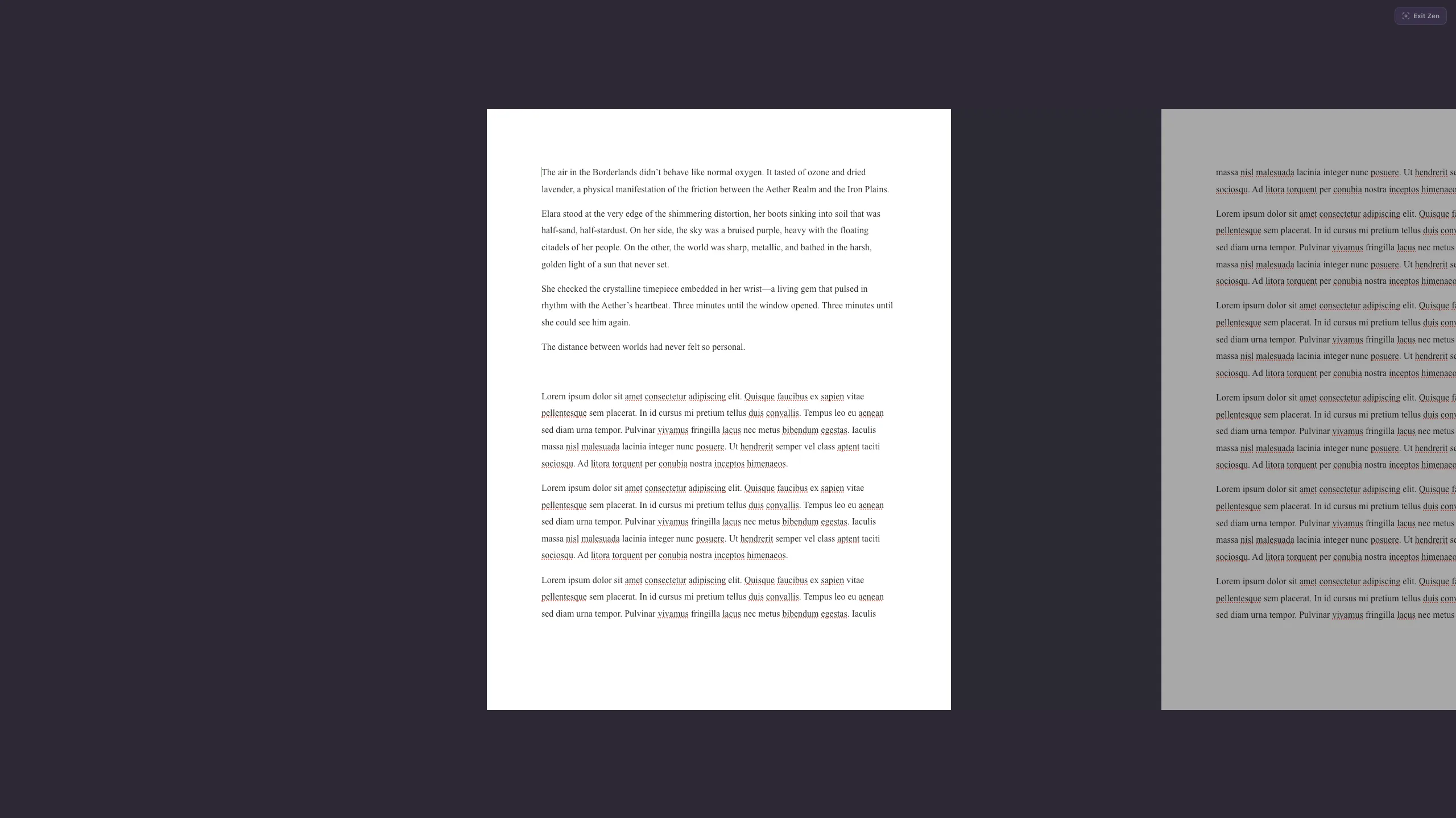
In Zen Mode, you see only your text on a clean background. The page layout is preserved, so you still get the paginated writing experience — but without any visual distractions.
Exiting Zen Mode
Section titled “Exiting Zen Mode”Press Escape or use the same toggle to return to the normal interface. All your work is preserved — Zen Mode is purely a display change.
When to Use It
Section titled “When to Use It”Zen Mode is perfect for:
- First-draft sprints where you need to get words on the page
- Editing sessions where you want to focus on the prose
- Times when the sidebar and UI feel like they’re getting in the way