
Character Profiles
Character profiles let you build a complete picture of every person in your story.
Creating a Character
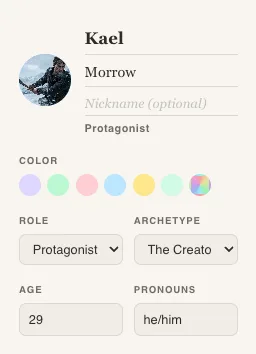
Section titled “Creating a Character”Click + New Character in the Characters section of the sidebar. You’ll get an expandable profile with sections for every aspect of your character.
Profile Fields
Section titled “Profile Fields”Basic Info
Section titled “Basic Info”- Name — The character’s name
- Role — Protagonist, antagonist, supporting, etc.
- Age — The character’s age
- Pronouns — He/him, she/her, they/them, or custom
Appearance
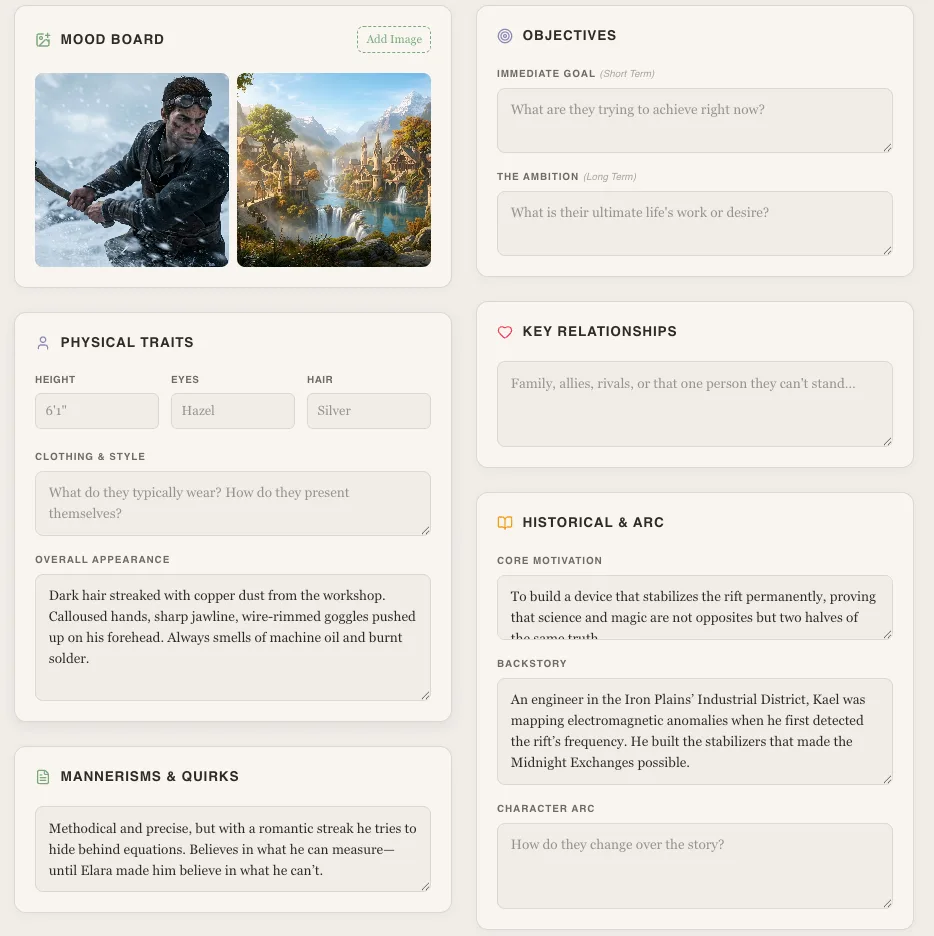
Section titled “Appearance”- Height
- Eyes — Eye color and description
- Hair — Hair color, style, length
- Clothing — Typical outfit or style
Personality
Section titled “Personality”- Traits — Key personality traits
- Desire — What the character wants most
- Need — What the character actually needs (often different from desire)
- Fear — The character’s deepest fear
- Flaw — Their fatal flaw or weakness
- Strength — Their greatest strength
- Values — What they believe in
Extras
Section titled “Extras”- Goals — Short and long-term objectives
- Relationships — Connections to other characters
- Images — Upload reference images
- Mood boards — Collect visual inspiration
- Note Cards — Freeform notes for anything else
Tags & Custom Traits
Section titled “Tags & Custom Traits”You can create project-level tags with custom colors to categorize your characters (e.g., “House Stark”, “Villain”, “Arc Complete”). Characters can also have custom trait fields beyond the built-in ones.
Character Images
Section titled “Character Images”Upload images to your character profiles for visual reference — portraits, concept art, mood board images, or any visual inspiration.