
Themes & Customization
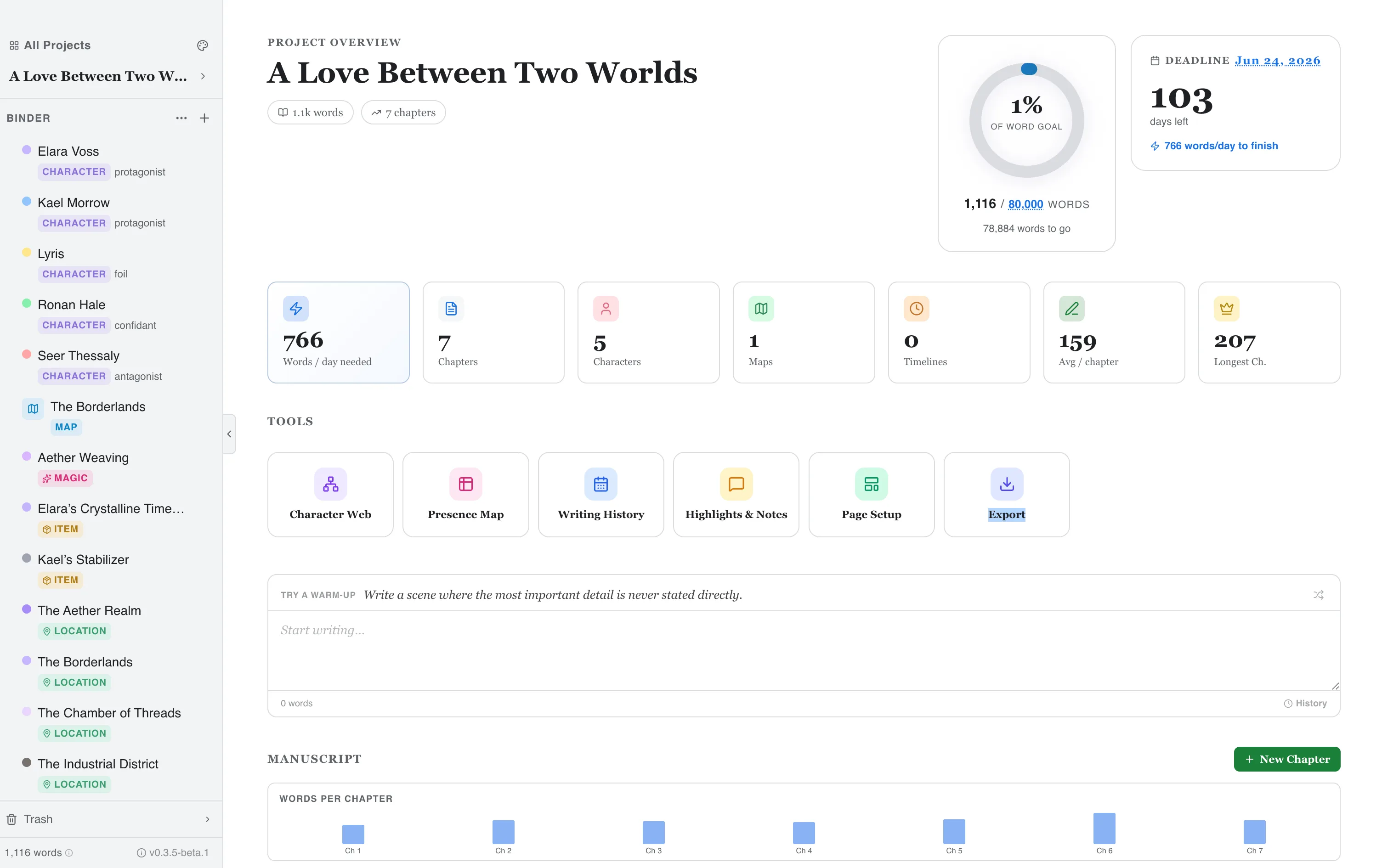
Writefully So comes with five carefully designed themes. Each one changes the entire interface — background, text, accents, and shadows.
Available Themes
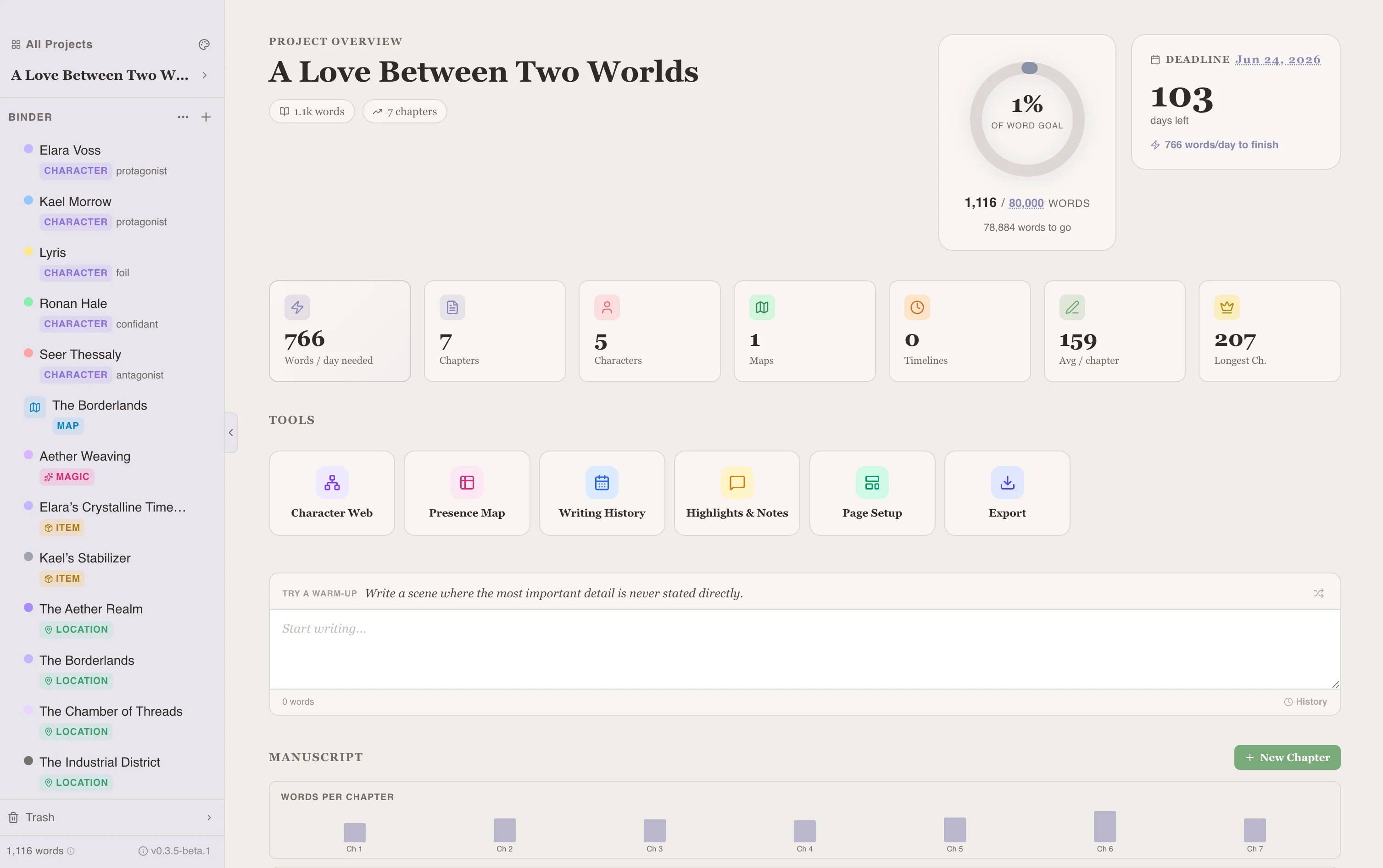
Section titled “Available Themes”Parchment (Default)
Section titled “Parchment (Default)”Warm cream and soft grey. A cozy, paper-like feel that’s easy on the eyes during long writing sessions.
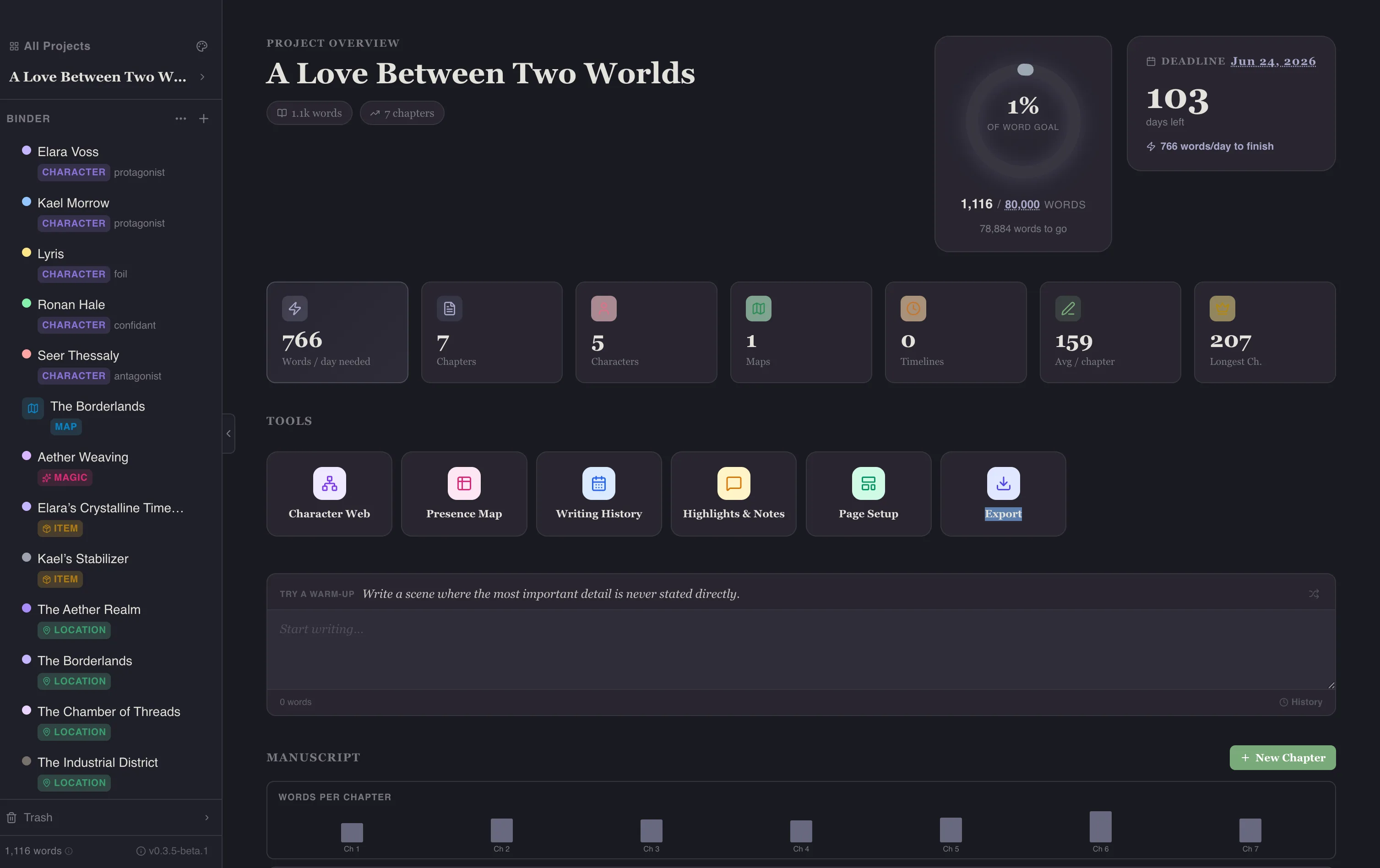
Midnight
Section titled “Midnight”Dark with cool undertones. Perfect for late-night writing when you want a dark mode that isn’t harsh.
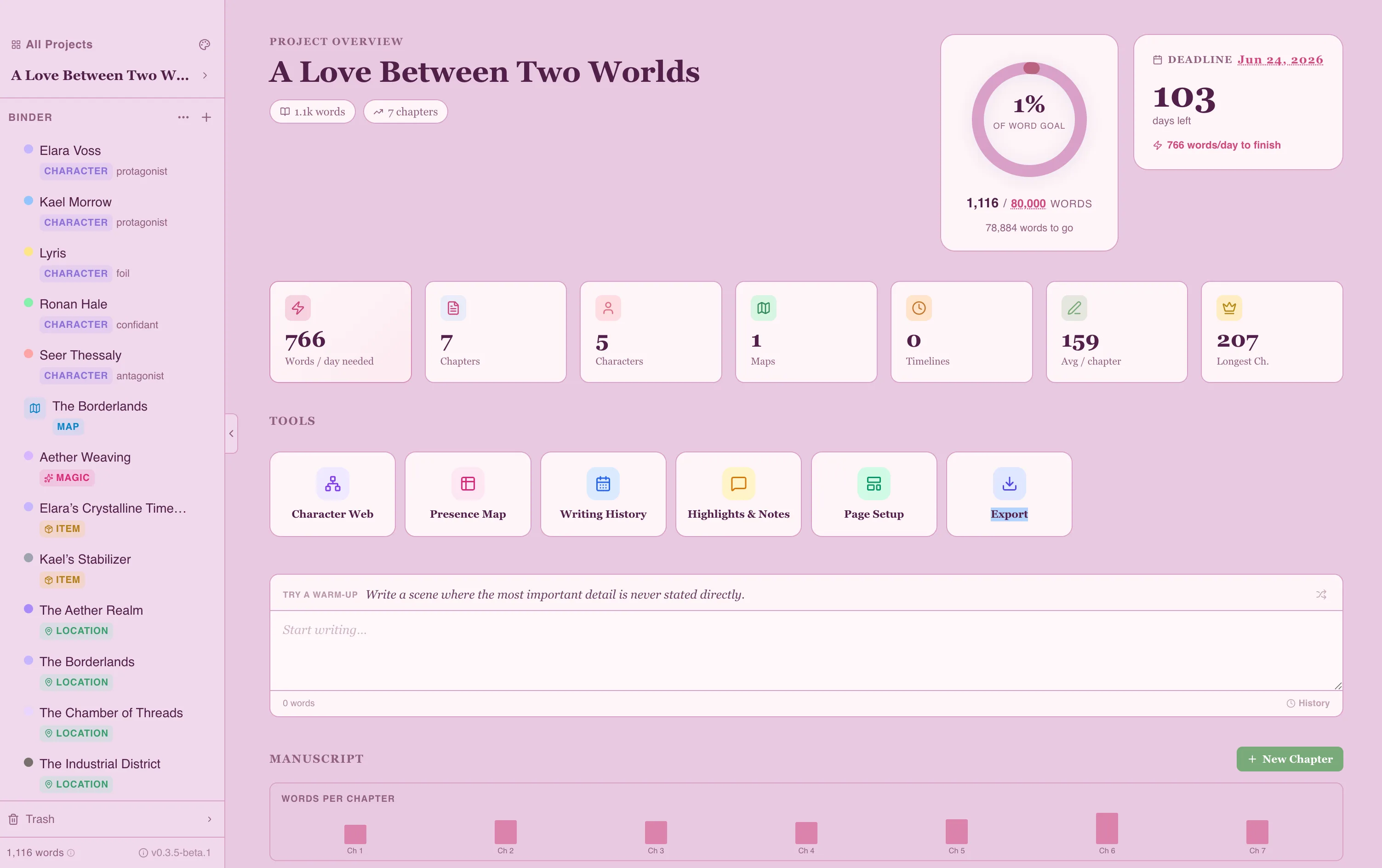
Pastel Eclipse
Section titled “Pastel Eclipse”Lavender pink and baby blue with hot pink accents. Kawaii-inspired, like writing in a pastel planner.
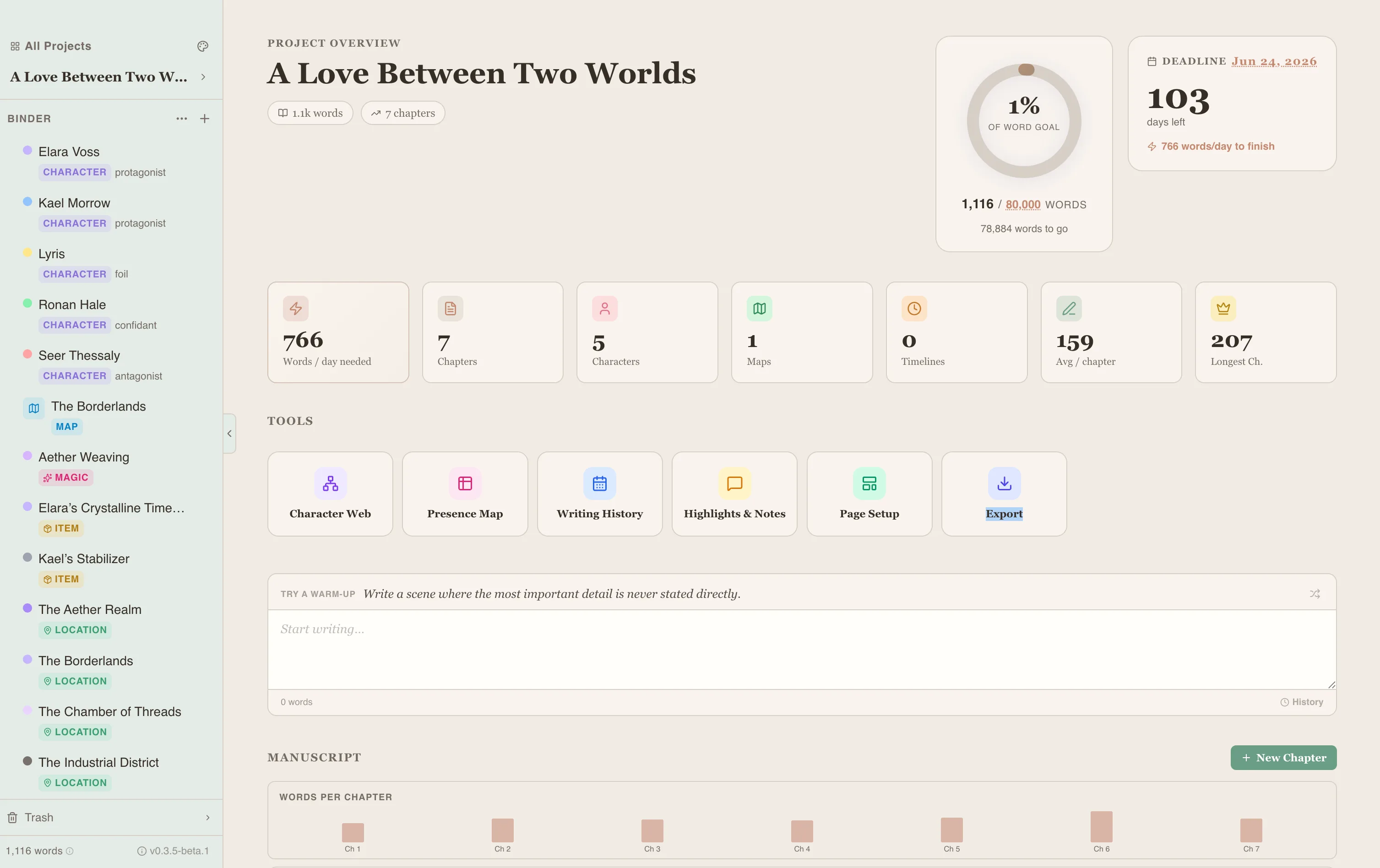
Writefully
Section titled “Writefully”Salmon and sage, inspired by the Writefully So logo. A warm, craft-paper aesthetic.
Classic
Section titled “Classic”Clean white and blue. A familiar, minimal look inspired by traditional word processors.
Switching Themes
Section titled “Switching Themes”Open the Theme Selector from the settings or toolbar. Click a theme to apply it instantly — no restart needed.
What Changes
Section titled “What Changes”Each theme affects:
- Background colors
- Sidebar appearance
- Text and heading colors
- Accent colors (buttons, links, highlights)
- Shadow styles
- Editor caret color